
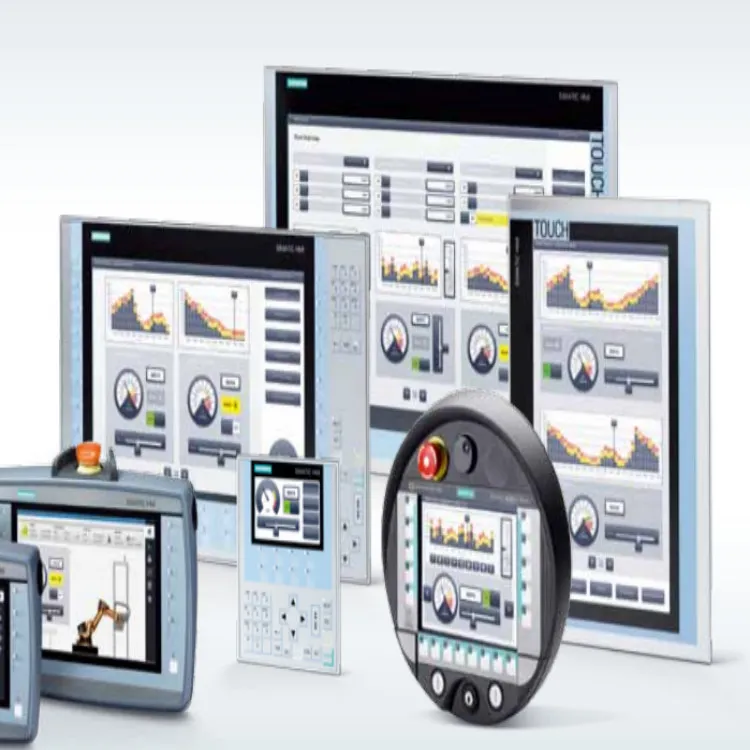
As a Siemens HMI supplier, I often get asked by customers whether they can customize the appearance of Siemens HMI screens. The answer is a resounding yes! Siemens offers a wide range of customization options that allow users to tailor the look and feel of their HMI screens to meet specific requirements. In this blog post, I'll delve into the details of what's possible when it comes to customizing Siemens HMI screens.
Understanding Siemens HMI Screen Customization
Siemens provides a comprehensive set of tools and features that empower users to customize the appearance of their HMI screens. These tools are designed to be user - friendly, even for those with limited programming experience. Whether you're looking to change the color scheme, add custom graphics, or modify the layout, Siemens has you covered.
Color Scheme Customization
One of the most basic yet impactful ways to customize an HMI screen is by changing the color scheme. Different industries and applications may have specific color requirements for safety, branding, or aesthetic reasons. Siemens HMI software allows you to select from a vast palette of colors to create a unique look for your screens. For example, in a manufacturing environment, you might want to use bright, contrasting colors to highlight important information such as alarm indicators. On the other hand, for a more sophisticated control room setting, you could opt for a muted color palette.
Adding Custom Graphics
Custom graphics can significantly enhance the usability and visual appeal of HMI screens. Siemens HMI systems support the import of various image file formats, such as JPEG, PNG, and BMP. You can create or source custom graphics that represent your equipment, processes, or company logo. For instance, if you're in the food and beverage industry, you could add images of your production lines or products to the HMI screen. This not only makes the interface more intuitive for operators but also adds a professional touch.
Layout Modification
The layout of an HMI screen plays a crucial role in its functionality. Siemens allows you to rearrange elements on the screen, resize them, and adjust their positions. You can organize buttons, indicators, and text fields in a way that makes sense for your specific application. For example, in a complex industrial process, you might group related controls together to improve operator efficiency. You can also create multiple screen pages and define navigation paths between them, enabling operators to access different sections of the control system easily.
Tools for Customizing Siemens HMI Screens
Siemens offers several software tools that facilitate the customization of HMI screens.
WinCC Unified
WinCC Unified is a powerful and flexible software solution for creating and customizing HMI screens. It provides a drag - and - drop interface that makes it easy to add and configure elements on the screen. With WinCC Unified, you can use pre - defined templates or create your own from scratch. The software also supports advanced features such as animation and data visualization, allowing you to create dynamic and engaging HMI interfaces.
TIA Portal
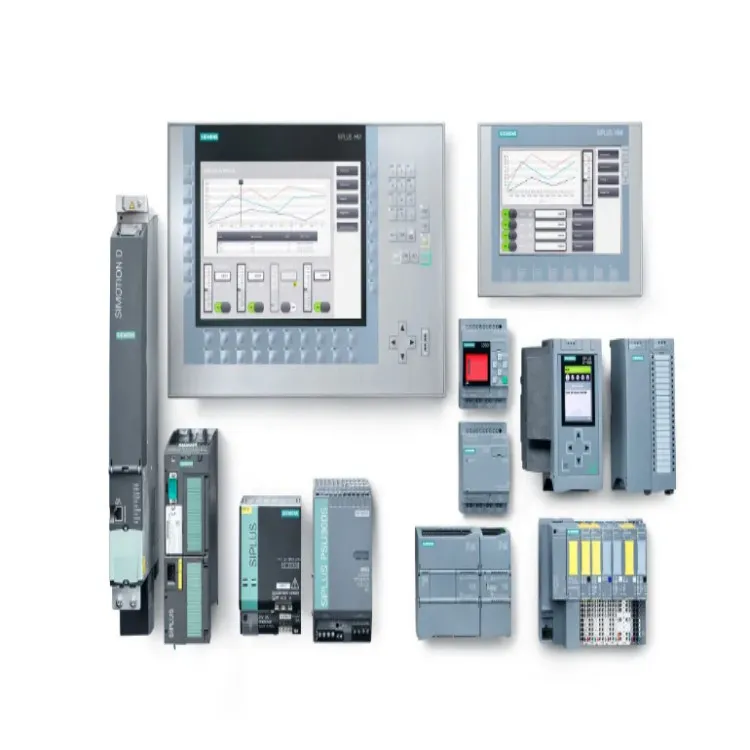
The Totally Integrated Automation (TIA) Portal is another essential tool for Siemens HMI customization. It offers a unified engineering environment that integrates all aspects of automation, including HMI design. TIA Portal simplifies the process of creating and managing HMI projects by providing a single platform for programming, configuration, and commissioning. You can use TIA Portal to customize the appearance of Siemens Basic HMI screens, as well as more advanced models.
Benefits of Customizing Siemens HMI Screens
Improved Operator Efficiency
A customized HMI screen can be designed to present information in a way that is most relevant and accessible to operators. By using familiar colors, graphics, and layouts, operators can quickly understand and interact with the control system. This reduces the learning curve and improves response times, leading to increased productivity.
Branding and Corporate Identity
Customizing HMI screens with your company logo and brand colors helps to reinforce your corporate identity. It gives your facilities a professional and consistent look, which can be important for customer perception and internal branding.
Enhanced Safety
In safety - critical applications, customizing HMI screens can be used to highlight important safety information. For example, you can use distinct colors and graphics to indicate emergency situations or unsafe conditions. This can help operators to respond quickly and appropriately, reducing the risk of accidents.
Real - World Examples of Customized Siemens HMI Screens
Let's take a look at some real - world examples of how companies have customized Siemens HMI screens.
Manufacturing Plant
A manufacturing plant that produces automotive parts customized its Siemens HMI screens to display real - time production data, such as the number of parts produced, production speed, and machine status. They added custom graphics of their production equipment and used color - coding to indicate whether a machine was running, stopped, or in an alarm state. This allowed operators to monitor the production process more effectively and make informed decisions.
Water Treatment Facility
A water treatment facility used Siemens HMI screens to control and monitor its treatment processes. They customized the screens to display detailed information about water quality parameters, such as pH levels, turbidity, and chemical dosages. Custom graphics were added to represent the different treatment stages, making it easier for operators to understand the overall process.
How Our Company Can Assist with Customization
As a Siemens HMI supplier, we have extensive experience in helping customers customize their HMI screens. Our team of experts can provide the following services:
Consultation
We can work with you to understand your specific requirements and goals for HMI screen customization. Based on your industry, application, and user needs, we can offer professional advice on the best customization options.
Design and Development
Our in - house designers and developers can create customized HMI screen designs using Siemens software tools. We'll ensure that the screens are not only visually appealing but also highly functional and user - friendly.
Testing and Support
Before deploying the customized HMI screens, we'll conduct thorough testing to ensure that they work seamlessly with your control system. We also offer ongoing support to address any issues that may arise during operation.
Conclusion
Customizing the appearance of Siemens HMI screens is a powerful way to enhance the functionality, usability, and visual appeal of your control systems. With the wide range of customization options and tools available from Siemens, you can create HMI screens that are tailored to your specific needs. Whether you're looking to improve operator efficiency, reinforce your brand, or enhance safety, customization can make a significant difference.
If you're interested in customizing your Siemens HMI screens or have any questions about our products and services, we encourage you to get in touch with us. We're here to help you take your HMI experience to the next level.
References
- Siemens AG. (2023). WinCC Unified Information. Retrieved from internal Siemens documentation.
- Siemens AG. (2023). TIA Portal User Guide. Retrieved from internal Siemens documentation.